
iOS devices that access web-based Nymi-enabled ApplicationNEAs require the Nymi Application, which includes the Nymi Bluetooth Endpoint component of Nymi Runtime. The option to log Nymi Bluetooth Endpoint messages is enabled by default.
To access the log file, open the Nymi Application and touch the Logs icon in the upper right corner, as shown in the following figure.
Figure 1. Nymi Application Logs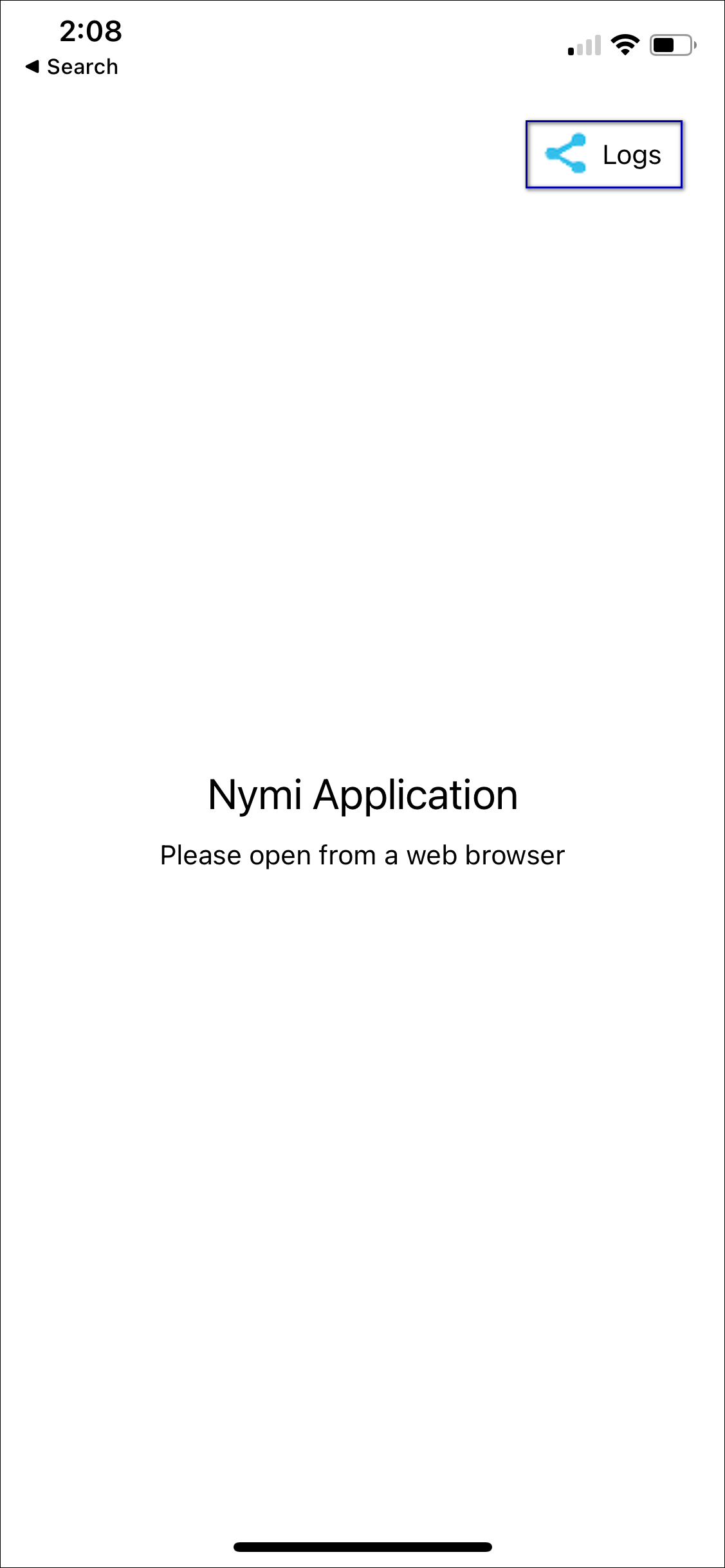
Note: If logging is disabled at the system level, the Logs icon does not appear.
On the file sharing options screen, select the method to share the file, for example, Air Drop or email.
Figure 2. Nymi Application Send Options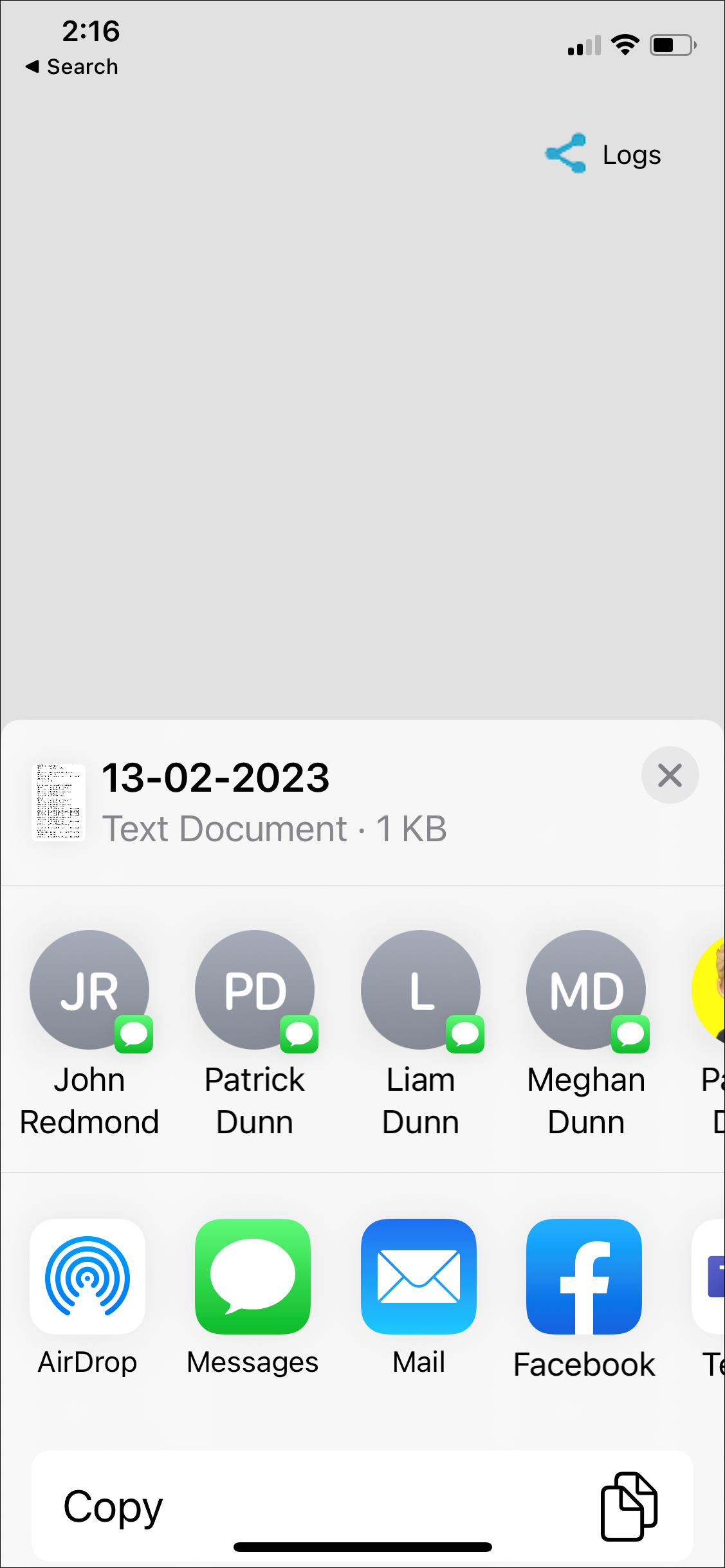
To disable logging, navigate to , and then toggle Logs to the off position, as shown in the following figure.
Figure 3. Disabling Nymi Application Logging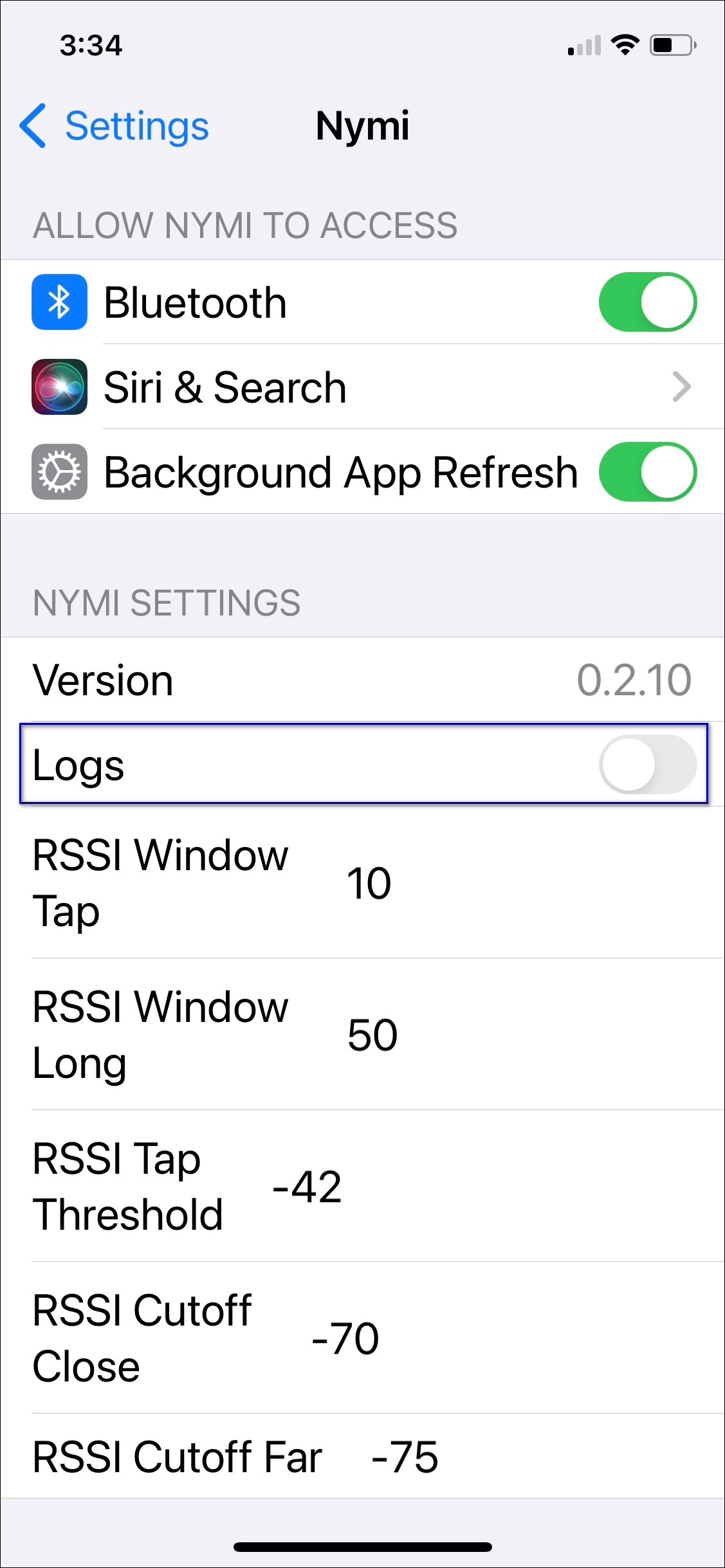


Comments
0 commentsPlease sign in to leave a comment.