
This error message appears after you log into the Nymi Band Application.
The following figure shows the error message.
Figure 1. Nymi Agent is missing error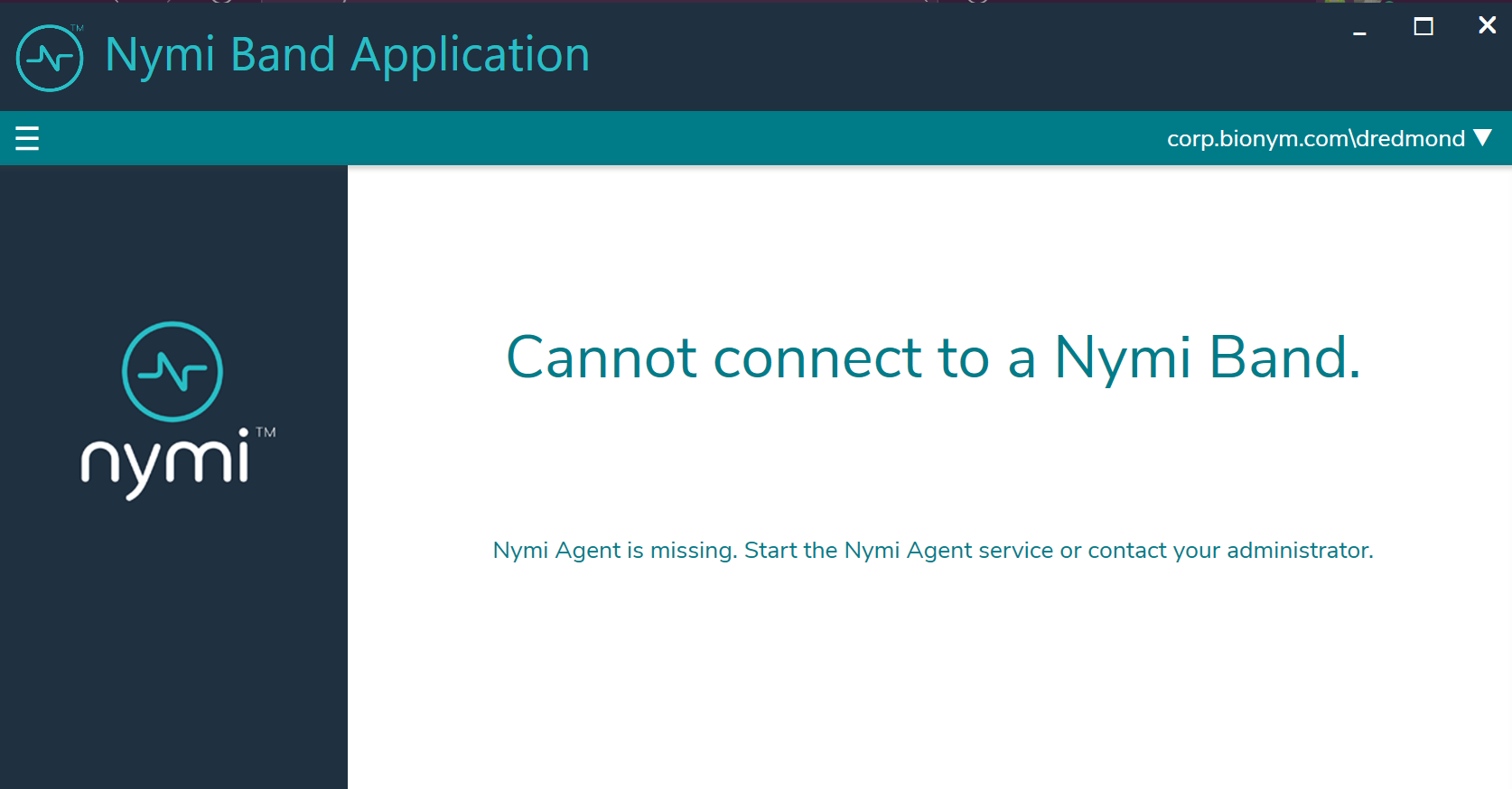
Cause 1
The Nymi Agent service is not running on the Nymi Band Application Terminal.
Resolution 1
Perform the following steps to start the Nymi Agent service.
- Open the Window Services and locate the Nymi Agent service.
- Start the Nymi Agent service.
- Close the Nymi Band Application.
- Open and log in to the Nymi Band Application.
Cause 2
In a centralized Nymi Agent configuration, the firewall between the Nymi Band Application Terminal host and the Nymi Agent server does not allow websocket traffic over port 9120.
The nymi_api.log file on the client machine has the following errors:
                INFO - connecting to Agent at ws://server.ca:9120/socket/websocket
                ERROR - Could not connect to websocket server. Attempting to connect again.
                INFO - sending update to nea {"operation":"error","exchange":null,"status":4000,"payload":{},"error":{"errordescription":"Nymi Agent missing.","errorspecifics":""}}
Resolution 2
Update the firewall port rules.


Comments
0 commentsPlease sign in to leave a comment.