
This error message in the Nymi Band Application on the Setting Up Your Nymi Band screen.
The following figure shows the error message.
Figure 1. A user does not exist for this Nymi Band in NES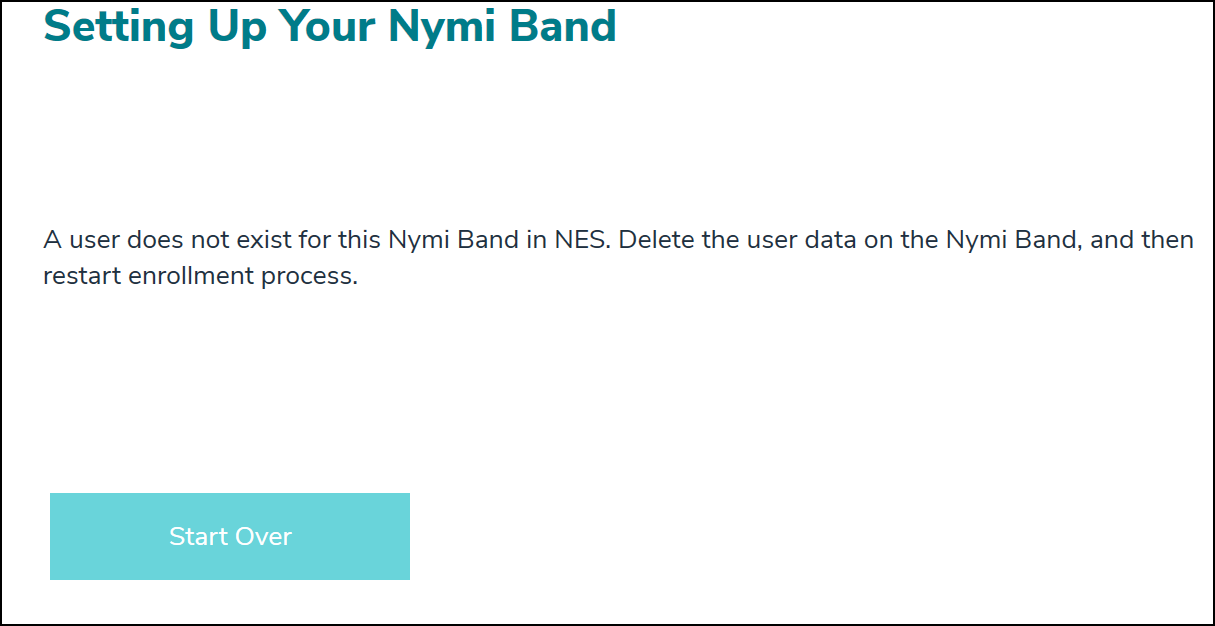
Cause 1
This error message appears when a user performs an enrollment with a Nymi Band that was previously enrolled to another user, and is still associated to the other user in Nymi Enterprise Server(NES).
Resolution 1
To resolve this issue, perform the following actions:
- Delete the user data on the Nymi Band.
- Log into the NES Administrator Console as an administrator and perform a search of the Nymi Band by serial number.
- Delete the Nymi Band for the associated user.
- Perform the enrollment again.
Cause 2
A user previously attempted an enrollment which did not complete. The Nymi Band is partially enrolled. When the user places the Nymi Band on their wrist, Add User appears instead of a setup code.
Resolution 2
Perform a Delete User Data operation on the Nymi Band and attempt enrollment again.


Comments
0 commentsPlease sign in to leave a comment.