
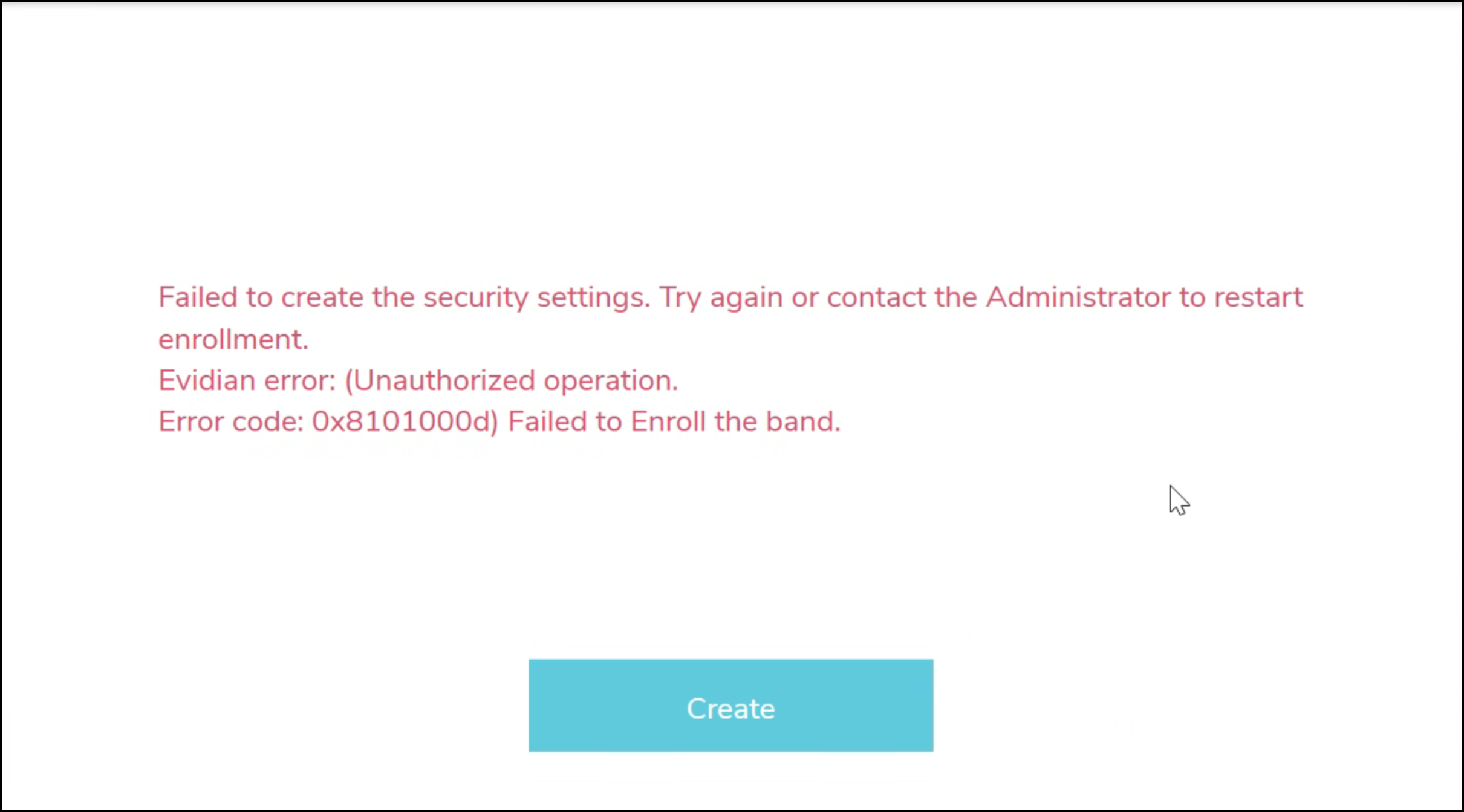
This error appears in the Nymi Band Application during enrollment and includes the message Evidian error (Unauthorized operation. Error code: 0x8101000d) Failed to Enroll the band.
The following figure provides an example of the error message.
Cause
The registry key RFIDSelfEnrollmentAllowed is set to 0 on the Evidian EAM Controller.
Resolution
To resolve this issue, remove the RFIDSelfEnrollmentAllowed registry key on the Evidian EAM Controller.
- In Registry Editor, navigate to .
- Delete the RFIDSelfEnrollmentAllowed key.
Note: The RFIDSelfEnrollmentAllowed is a client-side registry key only.


Comments
0 commentsPlease sign in to leave a comment.